Could not connect to the internet even the status is connected
- Press “windows key + r” then type “cmd”.
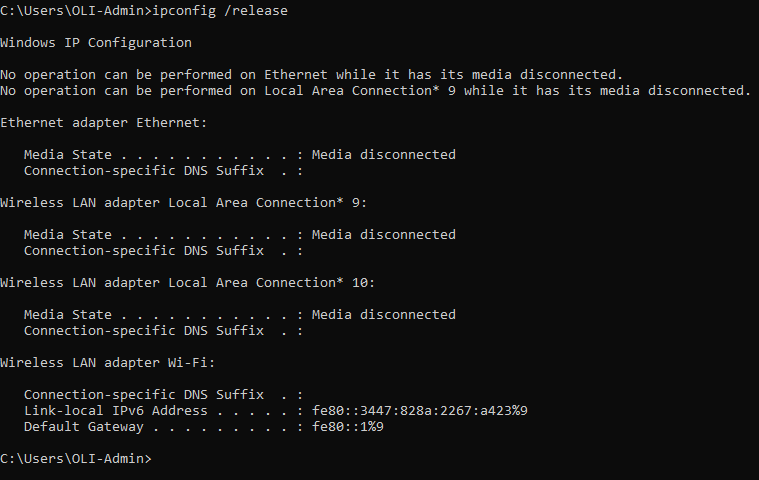
- On the command prompt. Type “ipconfig /release” and hit “Enter”. Notice that your computer will disconnect because IP has been released.
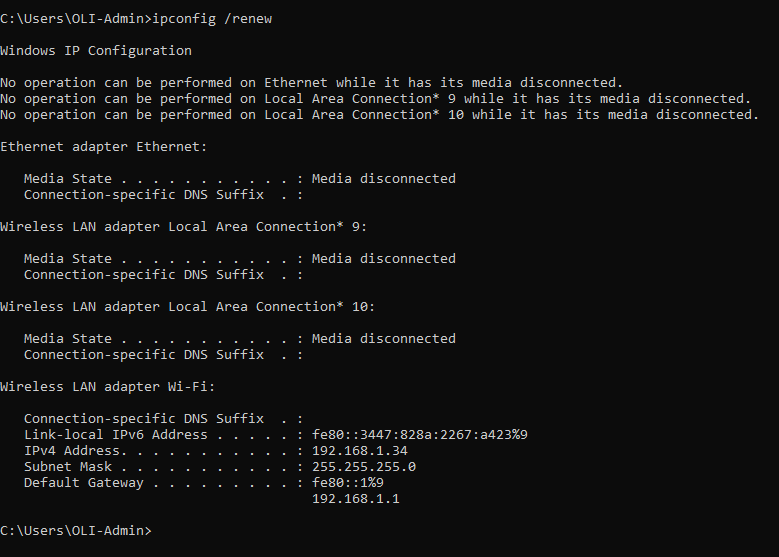
- Type “ipconfig /renew” and hit “Enter”. This time your computer will have new IP address.
- Close command prompt and try to search if connection was refresh.
IT-JR
0